
Website Migration
Here’s how to move your website without losing your Google rankings: from Squarespace, Wix, Drupal or Joomla to WordPress, and from Divi to WordPress blocks. For each migration, it details what transfers, what needs to be redone, and how to approach it.
Website Migration
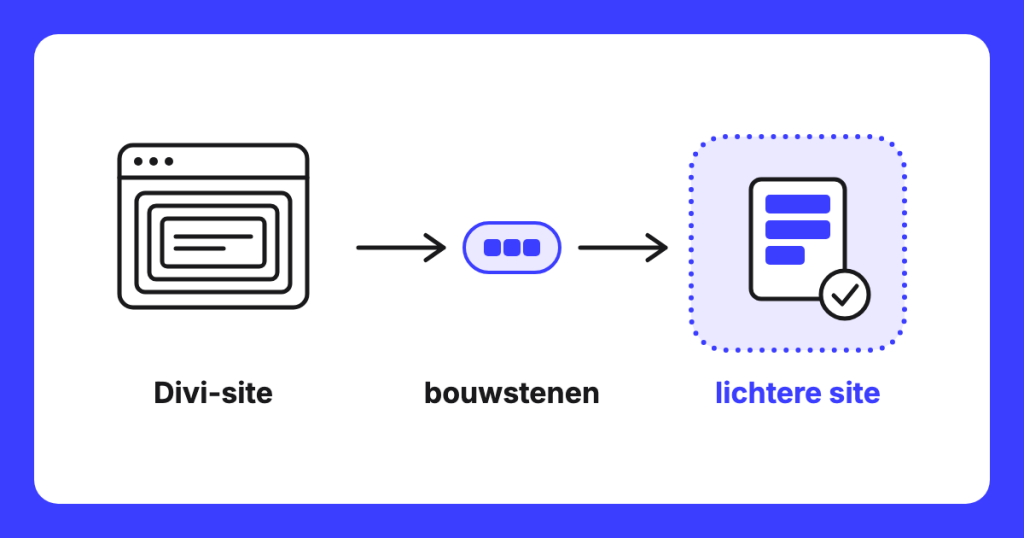
Divi to Gutenberg: switching while your site remains live
Divi to Gutenberg means: building your site with the standard WordPress building blocks instead of Divi. The switch pays off if you primarily manage text and images. If you want to continue adjusting the layout yourself, stay with Divi.
Website Migration
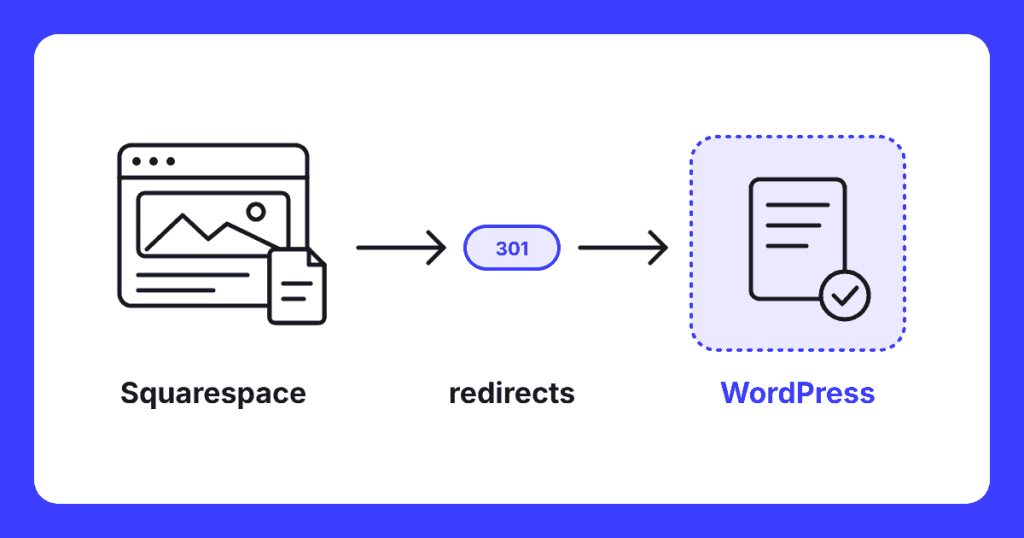
Migrating Squarespace to WordPress without losing rankings
Squarespace only exports part of your site to WordPress. Read what the XML export includes, what you need to rebuild, the eight-step plan, and how to maintain your rankings with 301 redirects.
Website Migration
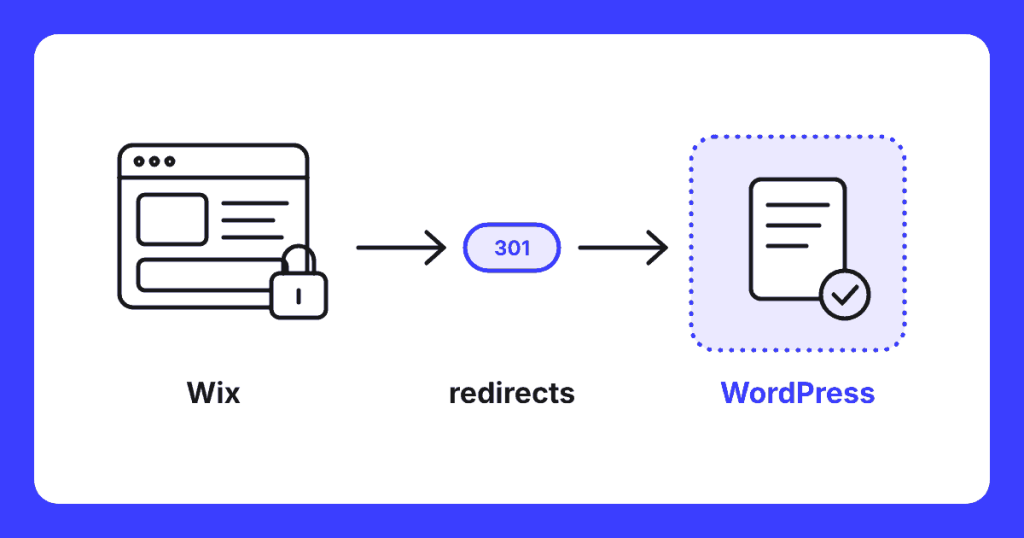
Migrating from Wix to WordPress without Losing Rankings
Wix does not allow you to export your site. Here's how to transfer your blog, pages, and online shop to WordPress, with a redirect plan that preserves your Google rankings.
Website Migration
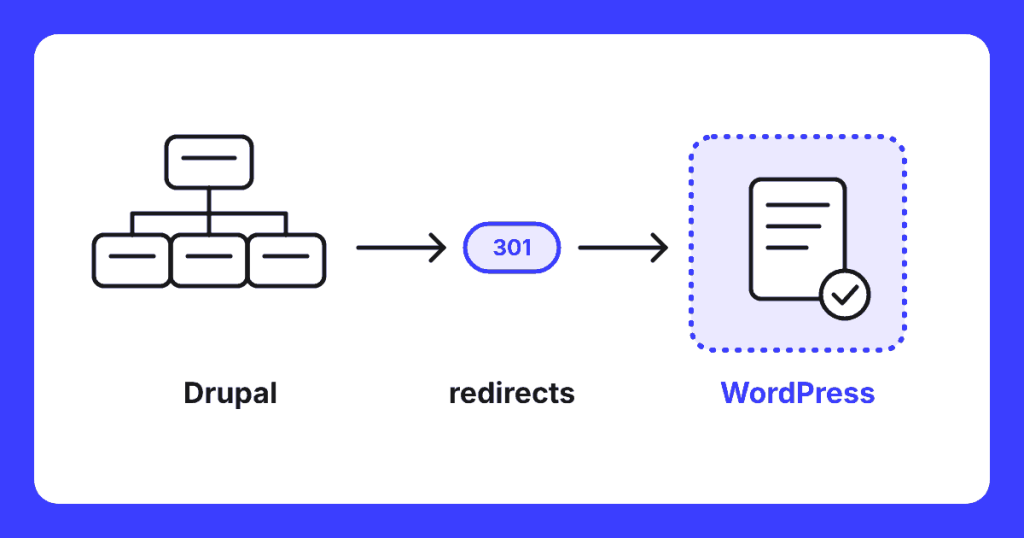
Migrating Drupal to WordPress without losing rankings
Transferring Drupal to WordPress without loss of rankings: what Drupal 7 without updates means, how nodes, fields and views transition, how to redirect node URLs and an eight-step plan.
Website Migration
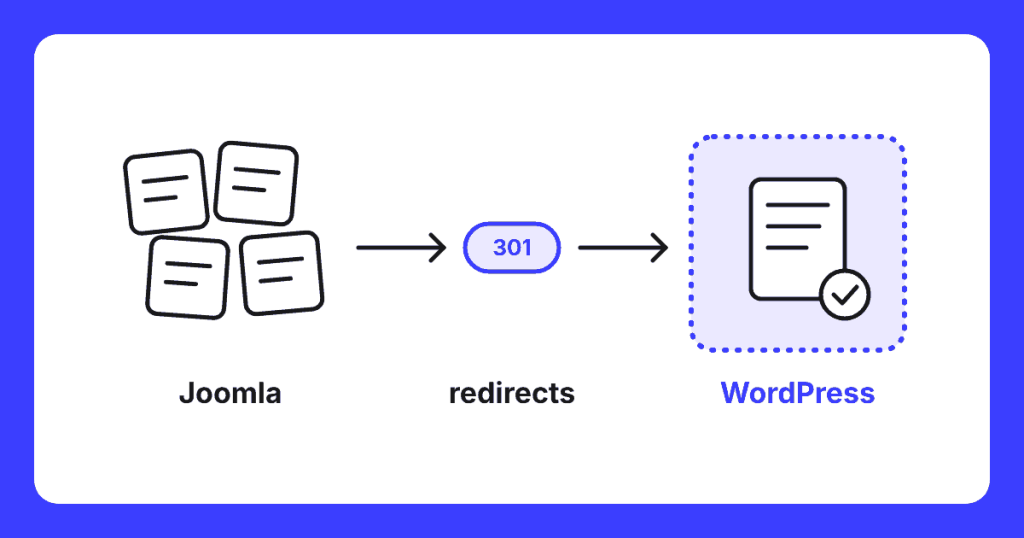
Migrating Joomla to WordPress without losing rankings
Migrating Joomla to WordPress without losing Google rankings: when it's worthwhile, what happens to your extensions, how to redirect Joomla URLs, and an eight-step plan.
