
Website migration
Migrating from Webflow to WordPress without losing rankings
Webflow does not have an export to WordPress. You can read about what is transferred via CSV, which step-by-step plan I follow, and how you maintain your rankings.
Webflow to WordPress
In this article
Why now
Why business owners are switching from Webflow to WordPress
Webflow is popular with designers: you build visually, with a lot of control over the layout, and hosting is included. According to W3Techs, 0.8% of all websites run on it, accounting for 1.2% of sites where the CMS is known. WordPressWordPress The world's most widely used system for building and managing websites. powers 39.3% of all websites and holds 58.1% of the CMS market.
Webflow is a hosted platform: your site runs on Webflow’s servers. You pay a site subscription per site, and those who work with more people or want to export the code also pay for a workspace subscription. Webflow now also has an AI site builder that sets up a site from a short description. This makes an initial version fast, but the site remains tied to Webflow. There is no export to WordPress.
Short answer: with Webflow you rent your site, per site and sometimes per team. With WordPress, your site is on hosting that you choose yourself and you are not dependent on a single provider.
The consideration
Webflow or WordPress: a fair comparison
Webflow is not a bad choice. For a design studio or a campaign site with a lot of animation, it works well. For a company that wants to look years ahead and attract customers via Google and AI search enginesAI Assistant An AI assistant is a chat program such as ChatGPT, Claude, Gemini, or Perplexity that you can ask a question in natural language and receive a written answer., the costs and dependency carry more weight.
- Ownership. A WordPress site can be moved to any hosting provider. A Webflow site with CMS only runs at Webflow.
- Costs. With annual payment, the Basic subscription costs 15 dollars per month, without CMS. For a blog or other collections, you need Premium: 25 dollars per month, for a maximum of 20,000 CMS items. Workspace subscriptions are added separately, from 19 to 49 dollars per month for a business team. WordPress itself is free; you pay for hosting and maintenance.
- SEO and GEOGEO GEO stands for generative engine optimisation: increasing the likelihood that AI assistants such as ChatGPT recognise and mention your business when someone asks them for advice.. Webflow handles the basics well. With WordPress and Rank Math or Yoast, you also manage structured dataStructured data Additional information in the code that tells search engines and AI exactly what is on a page., sitemaps, and internal linksInternal link An internal link is a link from one page on your site to another page on the same site. This is a link that you have complete control over yourself. per page, which helps in being mentioned in AI answers.
- Expansion. WordPress has tens of thousands of plugins and you can have anything custom-made. With Webflow, you are reliant on the built-in functions, the apps the platform allows, and custom codeSource Code Source code is the underlying text, written in a programming language, from which a web page is constructed. While a visitor sees the formatted page, a search engine also reads the code underneath. in embeds.
Stay on Webflow if your designers work in it daily, your site is primarily a business card, and costs are not an issue. In that case, moving is not a must.
The inventory
What is transferred, and what must be redone?
Webflow has two types of export, and neither is a ready-made move to WordPress. The switch therefore happens in parts.
- CMS collections as CSV. Each collection, such as your blog or your cases, is exported separately as a CSV file. Rich text is transferred as HTML. You import that file into WordPress using an import plugin such as WP All Import.
- Images are in the CSV as links to Webflow’s servers, including the images in rich text. If you delete the project, they will break. Have the import plugin download them to your own media library.
- Code export. With a paid workspace subscription, you export HTML, CSS, and JavaScript. This does not include CMS content, webshop, or user accounts: collection lists remain empty and forms and search do not work. Useful as a reference for the design, not as a new site.
- Will not be transferred: static pages outside the CMS, the design, interactions and animations, forms, and the webshop. You rebuild these in the block editor.
Step-by-step plan
Transferring Webflow to WordPress in eight steps
- Perform a baseline measurementBaseline Measurement The measurement of the initial situation before any changes are implemented.. Record all URLs, with traffic, rankings, inbound links, titles, and descriptions. Use Google Search ConsoleGoogle Search Console A free service from Google that shows how your website is performing in search results. and a crawl of your current site for this.
- Export what is possible: a CSV per CMS collection, your form submissions, and if possible the code export as a reference for the design.
- Set up WordPress on a staging environment, with hosting of your choice, not on your live domain.
- Map the fields per collection: which Webflow field becomes title, text, excerpt, category, or custom field in WordPress.
- Import the CSV files and have the images downloaded to your own media library. Perform spot checks to see if rich text and images are correct.
- Rebuild what was not transferred: static pages, design, forms, and any webshop, using the block editor and a plugin where necessary.
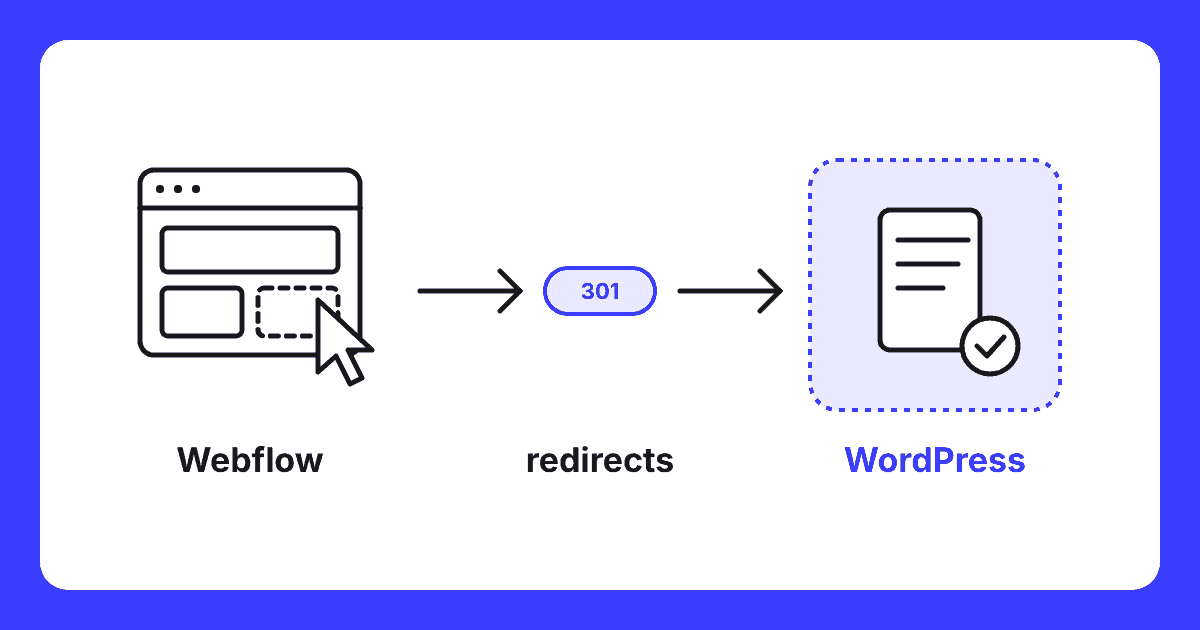
- Create the redirect plan: every old URL gets a 301 to the substantively correct new page. Then compare the new site with the baseline measurement.
- Switch the DNS and measure the results. Submit the new sitemap to Google Search Console and monitor rankings and 404 errors per page for the first few months. Only cancel the Webflow subscription once everything is working.
The pitfall
Webflow URLs: where most migrations go wrong
In Webflow, every CMS item is located under the address of its collection: a blog post at /blog/title-of-the-post, a case at /cases/name-of-the-client. With CMS folders, there may be a fixed prefix before that. WordPress uses its own address structure, and the pages you rebuild will not automatically get the same address. Without redirects, a visitor arriving via Google or an old link will end up on an error page, and Google will see the page as gone.
That is why I create the redirect plan based on the baseline measurement, not based on a guess. Every old URL gets a 301 to the page that best fits it substantively. Pages that are merged get one primary destination. Never redirect everything to the homepage: Google treats that as a missing page. Also watch out for images that still point to Webflow: they will work until the day you cancel, and not after that.
Rule of thumb: a migrationMigration A migration is the process of moving a website to a new system, a new server, or a new address. without a complete redirect list almost always costs traffic. A migration with a good list maintains rankings, and often gains because the new site is faster and cleaner.
Self or outsource
Do it yourself or outsource?
If you have a small site with a few pages, one blog collection, and little traffic from Google, you can do it yourself using the steps above. Have it done if your site is important for your turnover, if you have many collections with custom fields, or if you get many visitors from search enginesSearch engine A website used to search the internet, such as Google or Bing.. The costs of a few months of lost traffic are then quickly higher than the migration itself.
I have been working on websites since 1995 and manage migrations from Webflow to WordPress from start to finish. I build the new site with the building blocks inherent to WordPress, supplemented with my own blocks. This gives you a fast site without a heavy additional page builder, and you can later adjust texts and photos yourself without breaking anything. The redirects, the monitoring, and the follow-up measurement are included as standard.
Questions
Frequently asked questions
Can I export my Webflow website to WordPress?
Not in one go. Webflow does not have an export to WordPress: you export the content of each CMS collection separately as a CSV file and load that into WordPress using an import plugin. Static pages, the design, forms and interactions are not included in that CSV. You rebuild those in WordPress.
Is the Webflow code export enough to switch?
No. The code export provides separate HTML, CSS and JavaScript files and requires a paid workspace subscription. The content of your CMS, your webshop and your forms are not included: collection lists remain empty. You can use the export as a reference for the design, but you rebuild the site itself in WordPress.
Will I lose my Google rankings if I move from Webflow to WordPress?
Not if you prepare properly. Map all URLs in advance along with their traffic and incoming links, and set up a 301 redirect from each old URL to the corresponding new page. Pay particular attention to CMS pages: in Webflow, these sit under the collection path, such as /blog/post-title. Then monitor your rankings and 404 errors in Google Search Console over the first few months.
Are my images included in a CSV export from Webflow?
Not as files. In the CSV, images and files appear as links to Webflow’s servers, including images within rich text. If you delete the Webflow project, those links will break. You should therefore ensure the import plugin downloads the images to your own media library, and check this before you cancel your subscription.
Is WordPress cheaper than Webflow?
Often it is, but it depends on your site. With Webflow you pay for a site plan per site, and a workspace plan for collaboration or code export. WordPress itself is free: you pay for hosting, any plugins and maintenance. You should therefore calculate both totals over a few years, including the costs of migration.
Free website scan
Do you want to know what a move from your Webflow site delivers?
I will look at your current site, your CMS collections, and the URLs listed in Google. You will hear what needs to be transferred, what the risk is, and what the migration costs.
Within two working days you will know where you stand. No obligations.
Written by
